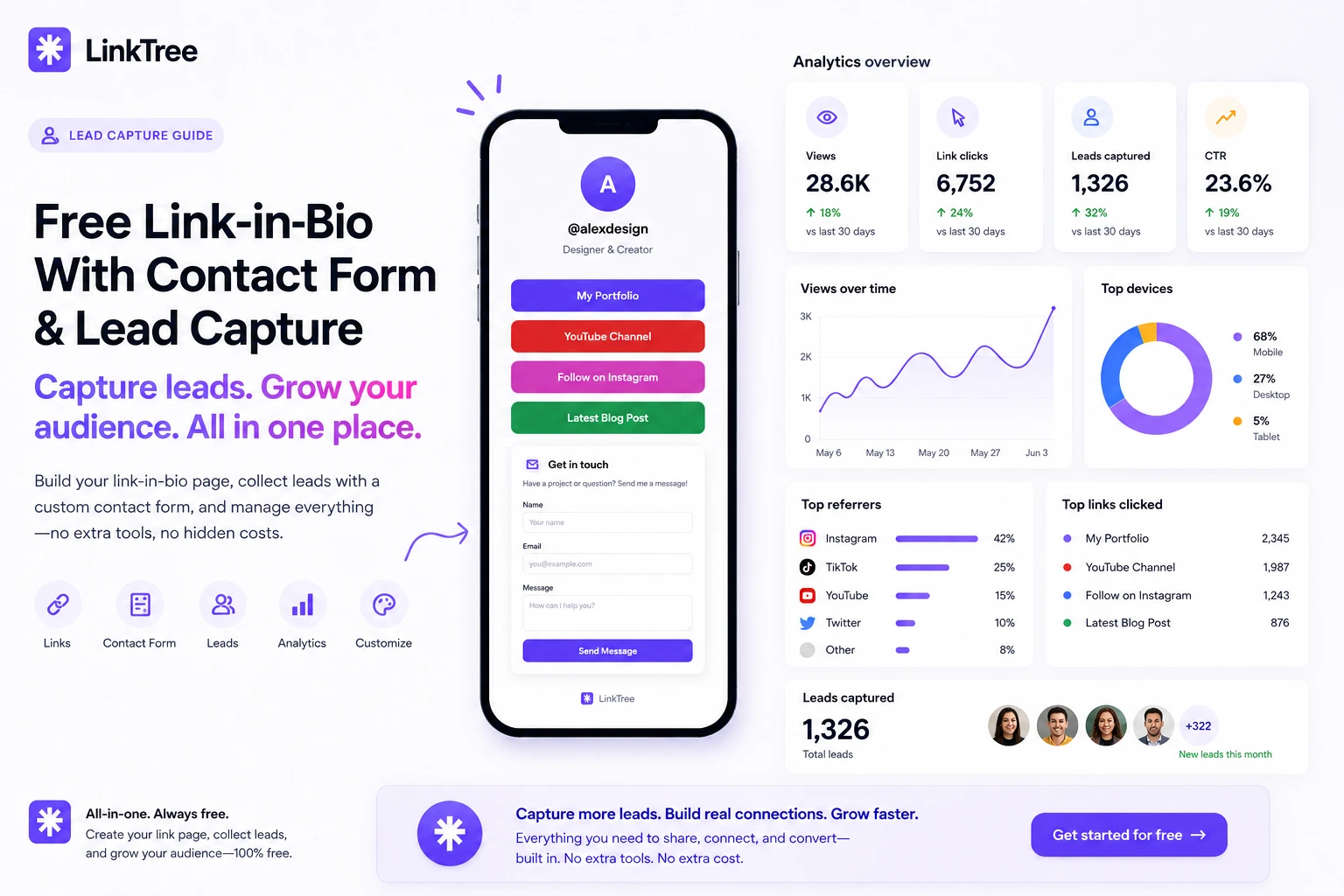
Turn your bio link into a lead machine: built-in contact forms, dashboard leads, and email alerts—no separate form builder required on LinkTree.
Quick answer: Yes—you can add a contact form directly on your LinkTree bio page. Visitors submit name, email, phone, and message; you see every submission as a lead in your dashboard and get an email notification instantly.
Why a contact form belongs on your bio page
Followers who discover you on TikTok or Instagram are already on mobile and ready to act. Asking them to find your website, then your contact page, loses most of them. A form on your bio page keeps intent high: one tap from bio → one tap to message you.
What LinkTree’s contact form includes
- Custom button text — e.g. “Book a call” or “Request a quote”
- Lead inbox — read, mark read, and manage submissions in one place
- Email alerts — know the moment a high-value lead reaches out
- Toggle on/off — disable the form when you are fully booked
Enable it from your dashboard under contact settings after you create your page.
Best practices for more qualified leads
- Put your strongest offer link above the form (course, call, shop)
- Use a specific CTA: “Ask about brand deals” beats “Contact”
- Mention response time in your bio (“Replies within 24h”)
- Track clicks in analytics to see if traffic hits the form
Link-in-bio + lead capture vs link to Google Forms
Google Forms works, but it sends people off your brand experience and adds friction. A native form keeps visitors on your themed page, improves trust, and stores leads beside your analytics and links.
Frequently asked questions
Do I need Pro for the contact form?
Pro features—including contact forms—are free for a limited time. Check pricing for the latest.
Can I export leads?
Leads live in your dashboard so you can follow up quickly; connect your workflow by copying details or integrating with your CRM process manually.
Does the form work on mobile?
Yes. LinkTree pages are mobile-first—the same device your audience uses from social apps.