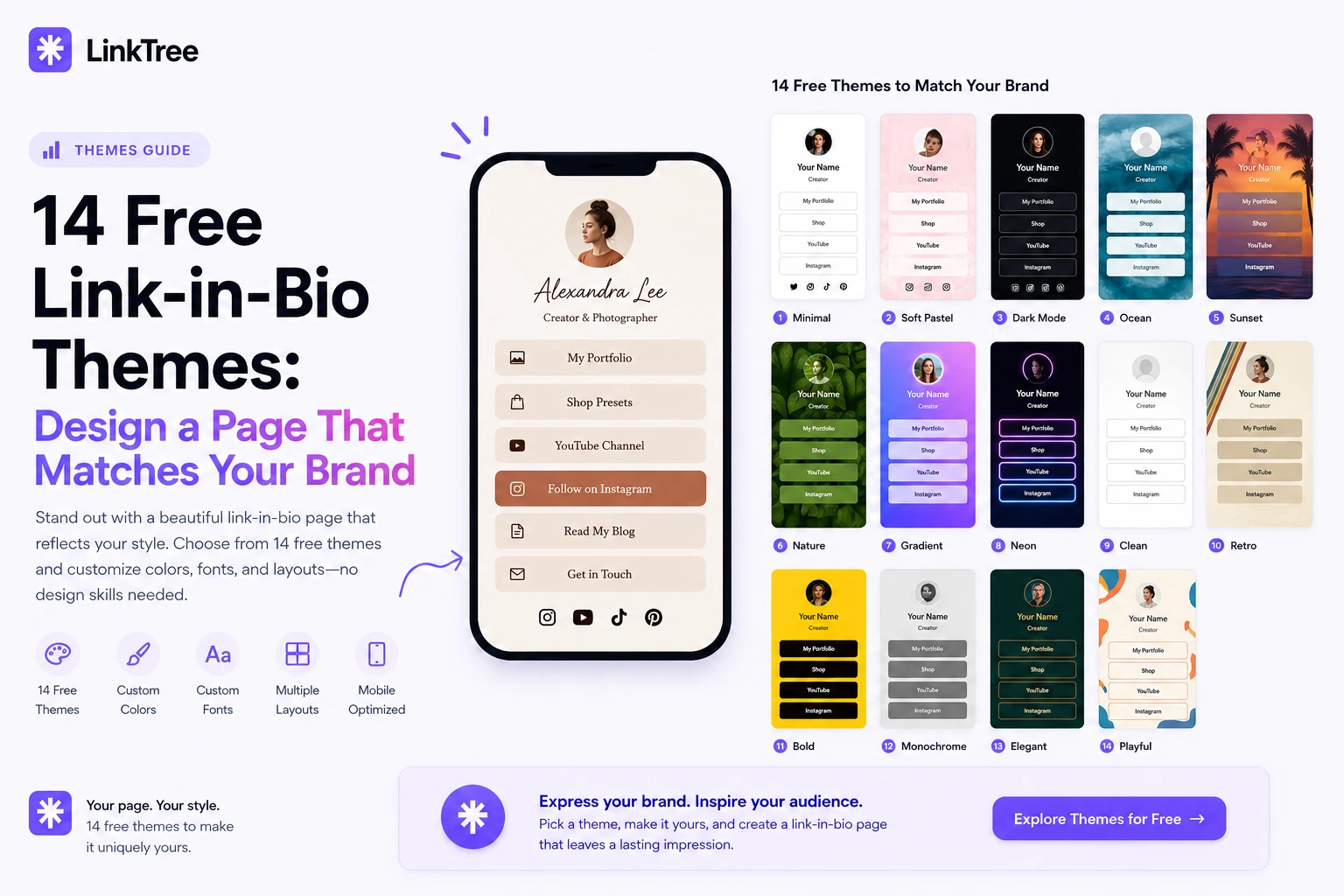
LinkTree includes 14 hand-crafted themes—gradients, fonts, and button styles—plus custom backgrounds. Make your link-in-bio page look pro in one click.
Quick answer: LinkTree offers 14 themes—eight free and six Pro-style designs—with curated gradients, font pairings, and button shapes. You can also set a custom background color or upload a background image so your page feels unmistakably yours.
Why design matters on a link-in-bio page
Visitors decide in seconds whether to tap a link. Clear contrast, readable fonts, and cohesive colors increase clicks. Themes give you a professional baseline without hiring a designer.
What you can customize on LinkTree
- Theme presets — switch entire look in one click
- Button styles — rounded, pill, or sharp corners
- Typography — font families matched to each theme
- Custom background color — exact brand hex codes
- Background image upload — photos, textures, or campaign art
- Social icons — colored to match your theme
Tips for creators vs businesses
Creators often pick bold gradients and a profile photo for personality. Businesses lean on logo colors, subtle backgrounds, and a contact button for leads. Both can use the same platform—choose different themes.
Pair design with structure
- Pick a theme with strong button contrast
- Limit above-the-fold links to three priorities
- Add social icons so fans can follow on their favorite app
- Enable the contact form for business inquiries
Start at registration, then open Appearance in your dashboard. Compare everything on features.
Frequently asked questions
How many themes are free?
Eight themes are free; six additional Pro-style themes are included while Pro is free for a limited time.
Can I change themes later?
Yes—switch anytime without losing links or analytics.
Will a background image slow my page?
Images are optimized for mobile; use compressed JPG or PNG for best performance.